
East Kazakhstan Situation Centre
A single information and analytics system for collecting, monitoring and analysing data on the region’s key development areas and supporting management decisions.
- BI dashboards
- department workstations
- GIS map
- single environment
- East Kazakhstan region
- Region
- Workstation, GIS map, BI dashboards
- Components
A single entry point to the region’s data
Portal
A catalogue of analytics modules by area, with search and favourites — a single entry point for departments.
Department workstation
An automated workstation where modules and data are grouped by department and office.
GIS map
Module data on the regional map with thematic layers, filters, charts and reports.
BI dashboards
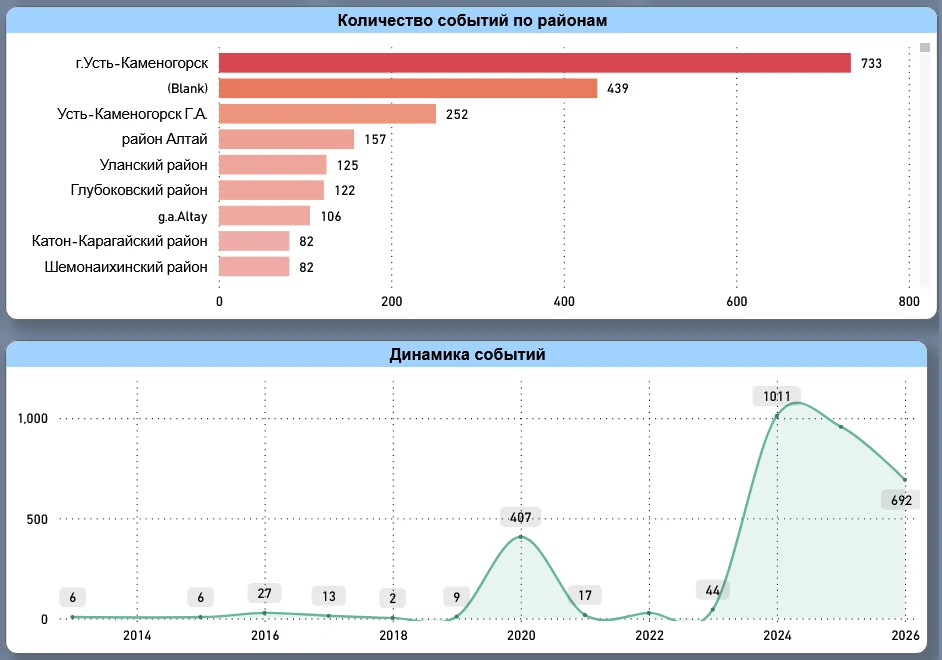
Interactive analytics: key indicators, breakdowns by district and category, trends and drill-down.
How the system is used
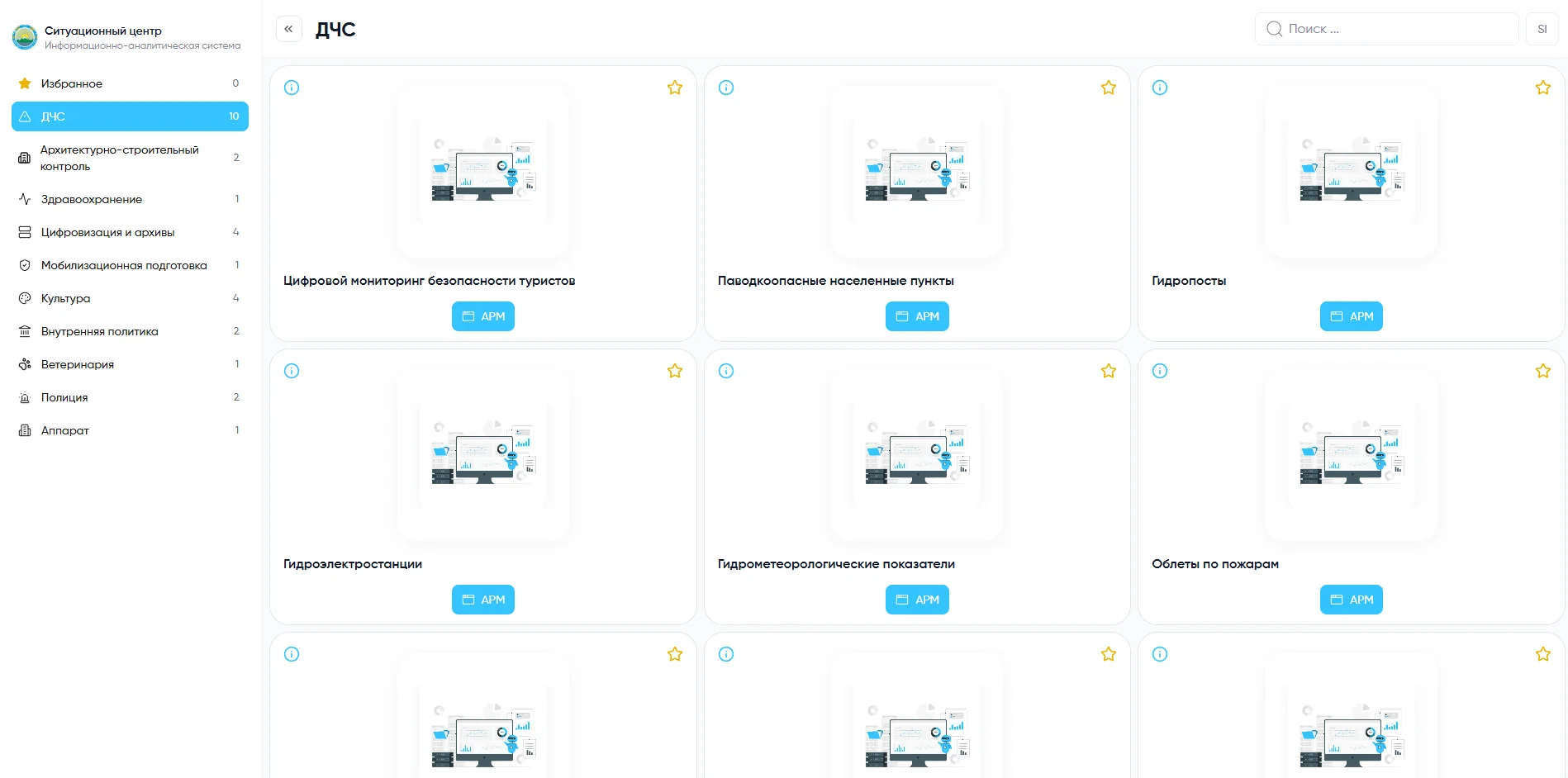
Portal: modules by area
On the left — areas; on the right — cards of the selected department’s analytics modules. From a card you can open its description, add the module to favourites and go to the tool you need: the workstation, the map (GIS) or a BI dashboard.
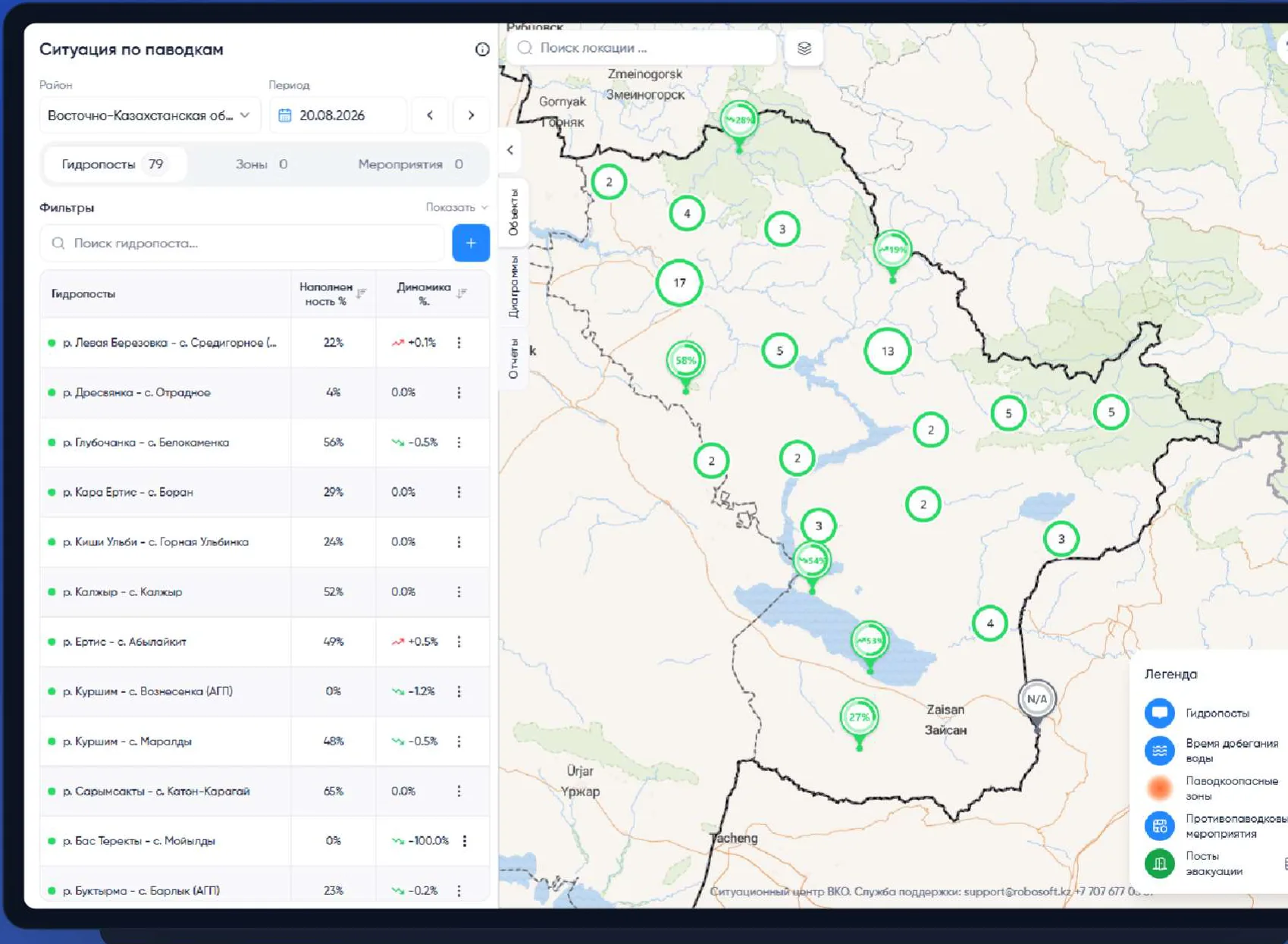
GIS: a map with data layers
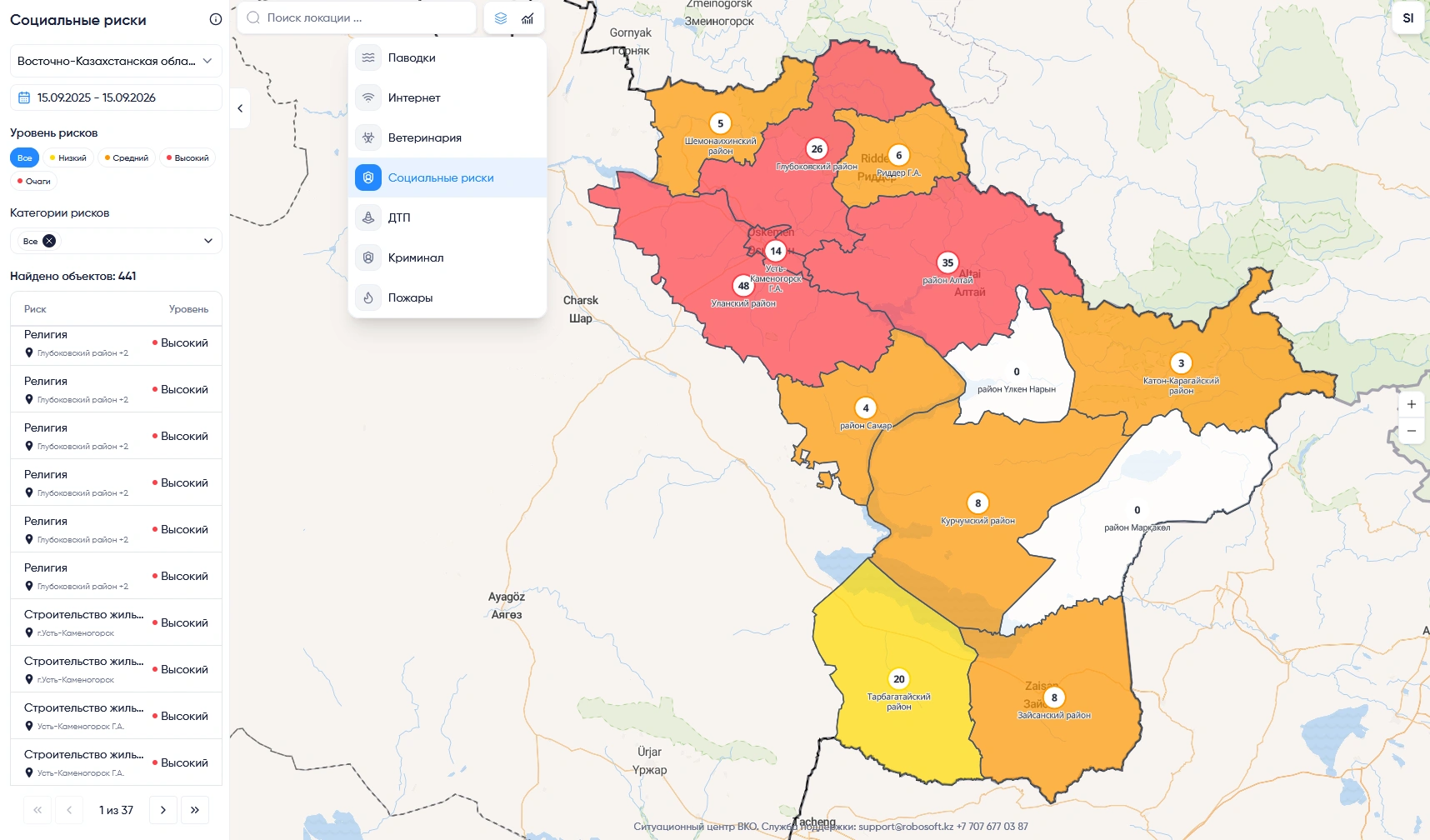
A module opens on the regional map. On the left — a panel with objects, charts and reports, filters and search; on the right — the map with location search and thematic layer switching. For example, the “Flood situation” module shows hydrological posts with fill level and trend, zones and measures.
- Floods
- Internet
- Veterinary
- Social risks
- Road accidents
- Crime
- Fires
- and more
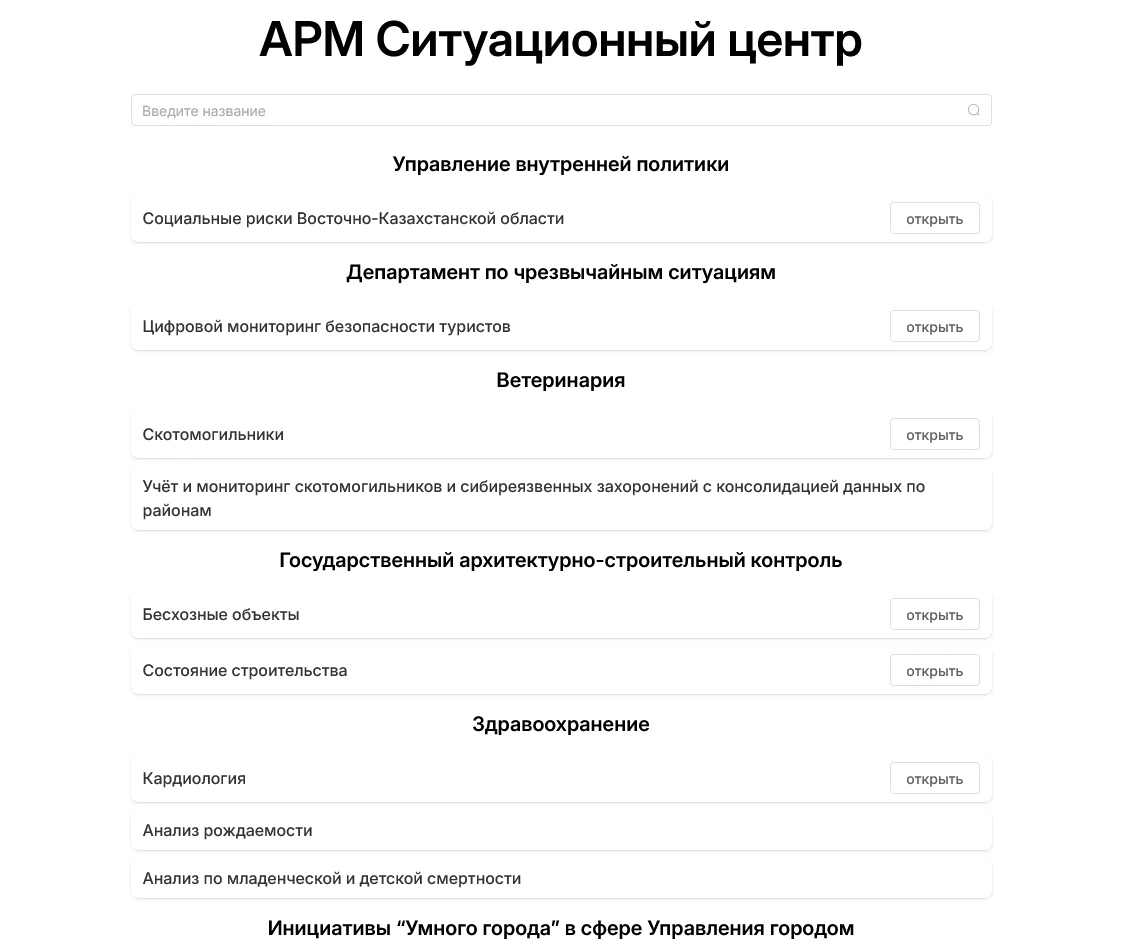
Workstation: department workplaces
Modules are grouped by department and office, with search by name. Department staff work with their own modules and data in one window.
BI dashboards: analytics by area
Interactive dashboards for modules of different departments: key indicators, breakdowns by district and category, trends over a selected period and drill-down from summary to detail.
Need a similar system?
Tell us about the task — we will propose a solution architecture, estimate the timeline and assess a pilot.